
Digital Library
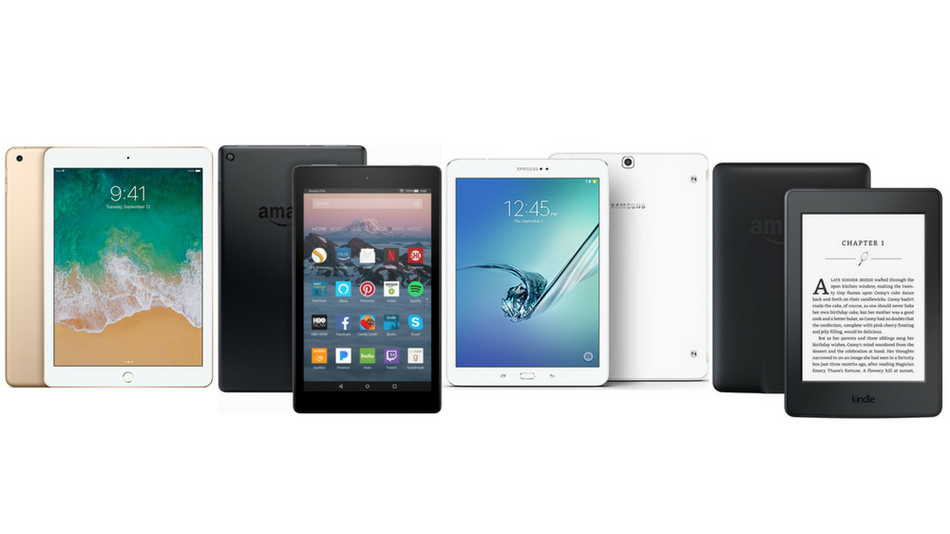
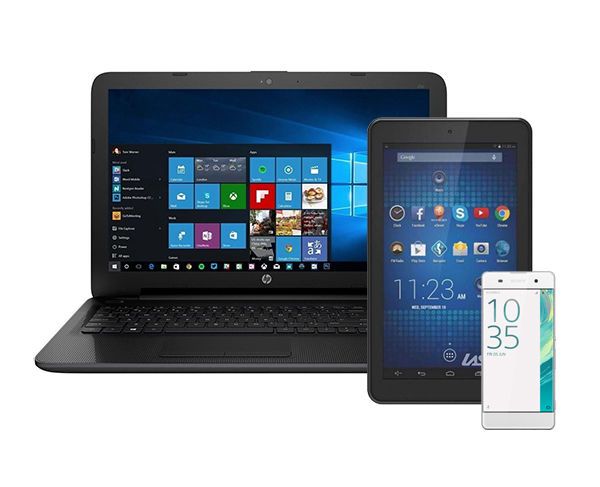
These links are for all of the services available for you to get ebooks, audio, video, magazines, and music to your smartphone, tablet, or enhanced TV. You will need a library account in good standing and your library card number and PIN/password. Your default PIN/password is your 10-digit phone number with no dash or space. Some services will ask you to create a separate login and password different from your library account information and include an email address. *HINT: Make the same login and password for these services to make it easier to remember.
Click on one of the categories below and you will see an expanded menu of digital library resources. If you have a smart TV, streaming media player, or home assistant, you may be able to get individual apps for audio listening or video viewing.




 Qello is a 7-day pass resource available through the LIBBY app. Log into Libby, go to EXTRAS, and get a pass that allows you to use Qello Concerts app for a week with unlimited viewing. Includes some of the best live music from the past 60 years.
Quick List of Steps to Get Digital Media
- Select the content type you want and what device you will use.
- Log onto a computer or get an app for your device.
- You may need to create a separate login/password.
- Choose an e-book, audio, magazine, or video from selections.
- Check it out as directed, and enjoy!
 |
Learn more about personal finance, the economy, and your money with this resource. Timely articles, quizzes, handouts, and videos about money, careers, government issues, budgeting, and more are all available and easy to understand. Aimed at teens, but great information for all ages! Click HERE to access. |